Step 7: put it on a sheet
A sheet is a page of paper (A0 to A4) with a title block. You place views on it, and they stay live: if the model changes, the sheet changes.
- Pick File › New sheet (or New sheet on the View tab). The new sheet opens in an area.
- In the sheet's header, click Place view… and pick the floor plan. Then place the section the same way. The Sheets workspace shows the sheet beside the drawing you are placing.
- Drag a view to move it on the paper.
- Double-click a view to work on the model through it. Press Esc to finish.
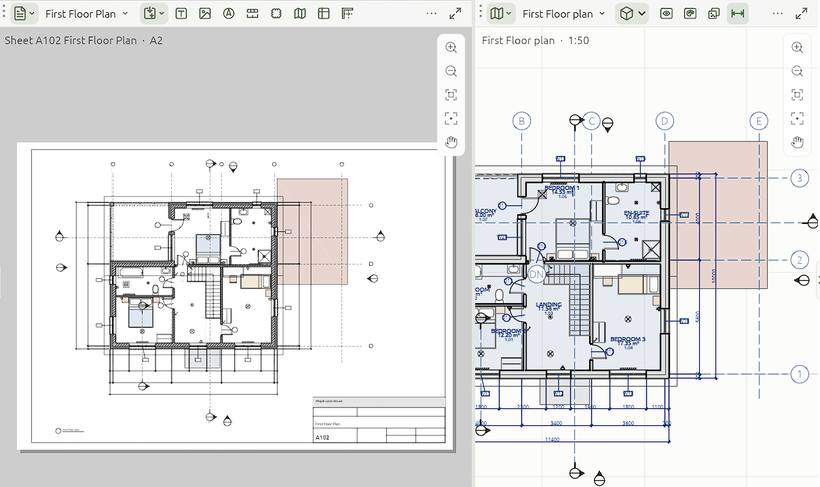
Each view keeps its own scale (1:100, 1:50…), set in its Properties. Fill in the title block in the sheet's Properties. See Sheets and title blocks.
Next: Save and export